Minecraft Village Finder
Enter your seed and position to get the exact coordinates of the nearest villages, the distance and the direction to walk, and the matching Nether coordinates — for Java and Bedrock.
Loading the map engine…
In view: counting…
Near you
In view: counting…
Within blocks
Searching…
Your position
Spawn (measured)
Read on your device. Nothing is uploaded. Pick level.dat from your world folder, or a .mcworld / .zip.
Nearest to you
Enter a seed to see the nearest structures.
Your markers (0)
Right-click or long-press the map, or use the button below, to add a marker.
Java: Checked against the game (Java 26.3, 10 seeds): 169 of 170 shown are real. Bedrock: Checked against Chunkbase (Bedrock 26.50, 22 seeds): 352 of 365 shown are real. Last checked: Java , Bedrock . How we measure accuracy.
How to use the village finder
- Type your seed (run
/seedin Java) and choose Java or Bedrock. - Enter your X and Z position, or press the crosshair button to use the map centre.
- Read the list: each village has its X and Z, its distance in blocks and a compass arrow.
- Select a village to centre the map on it, then walk or take a Nether portal there.
- Select a village 1,000 blocks or more from you and its card also gives the Nether X and Z, for a shorter trip through a Nether portal.
How do you find a village in Minecraft?
The fastest way to find a village is to read its coordinates from your seed: enter the seed here, and the finder lists the five nearest villages within 6,000 blocks of you, closest first. In the game you can also climb high and look for paths and farms in plains, desert, savanna, taiga or snowy plains, or buy an explorer map — both take far longer.
Village types and biomes
The biome decides what a village looks like. Plains-style villages also appear in sunflower plains and meadows, and Bedrock can place villages in snowy taiga as well. The map draws the biome under each marker, so you can tell the style before you travel.
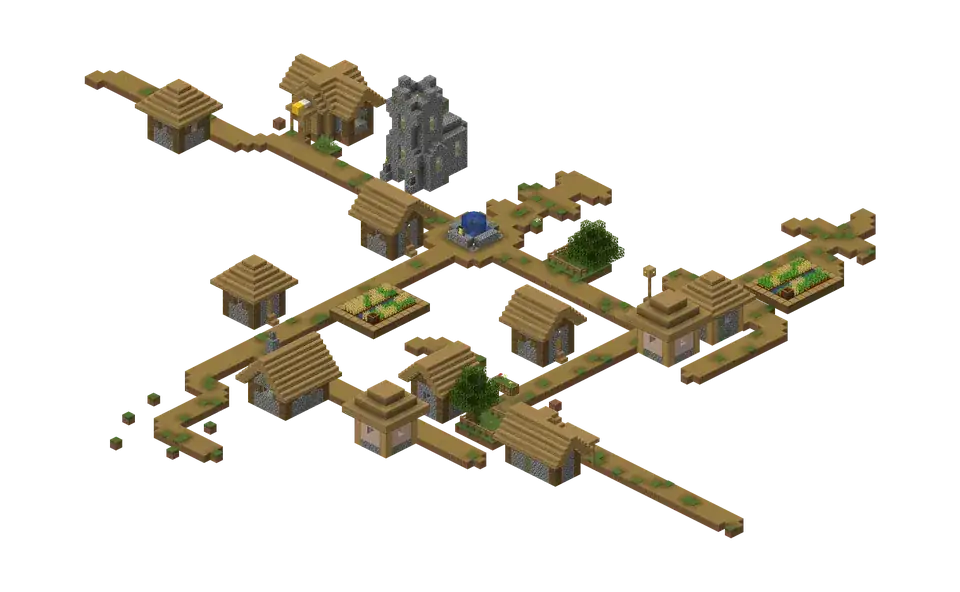
Plains village Image: Minecraft Wiki, © Mojang Studios 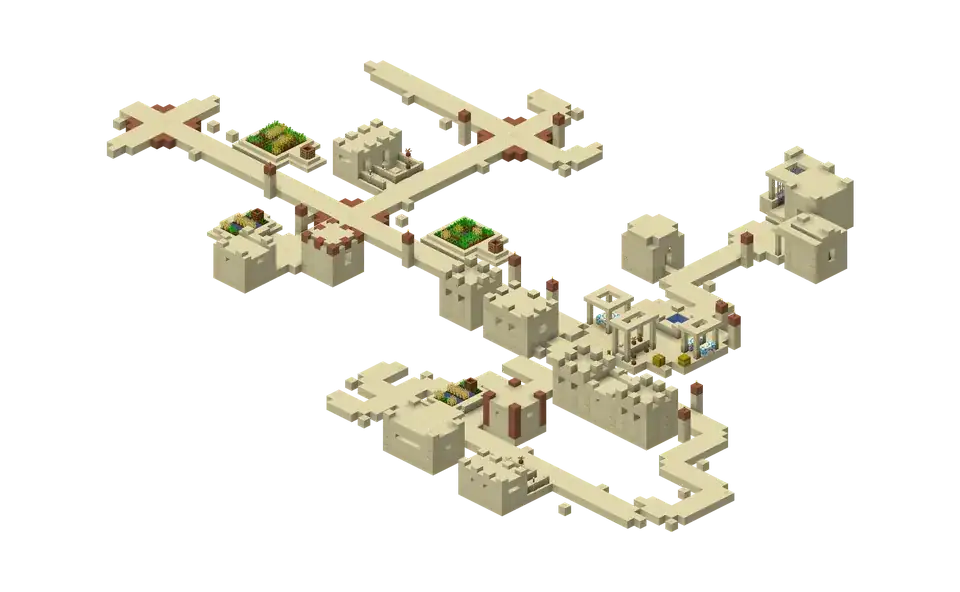
Desert village Image: Minecraft Wiki, © Mojang Studios 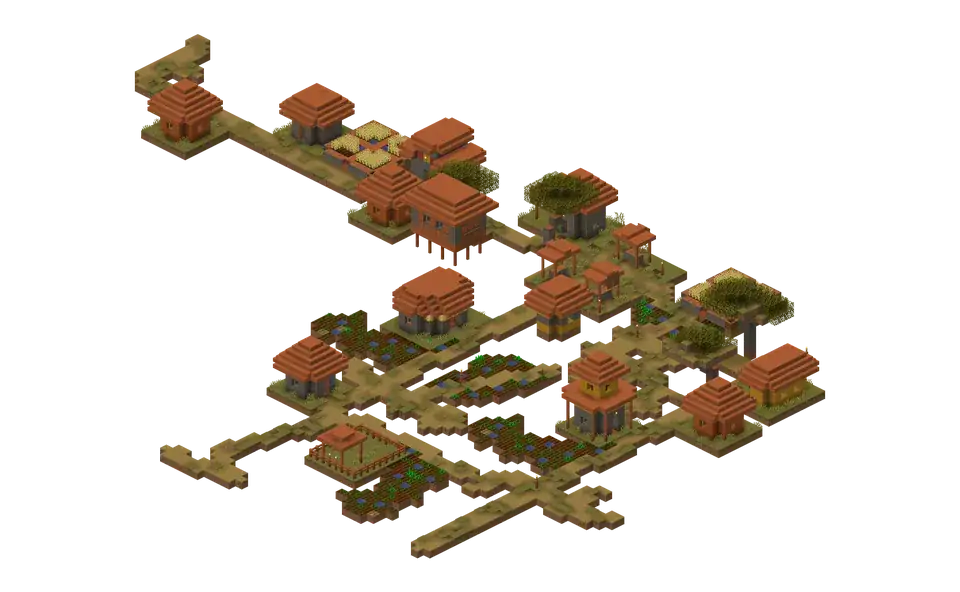
Savanna village Image: Minecraft Wiki, © Mojang Studios 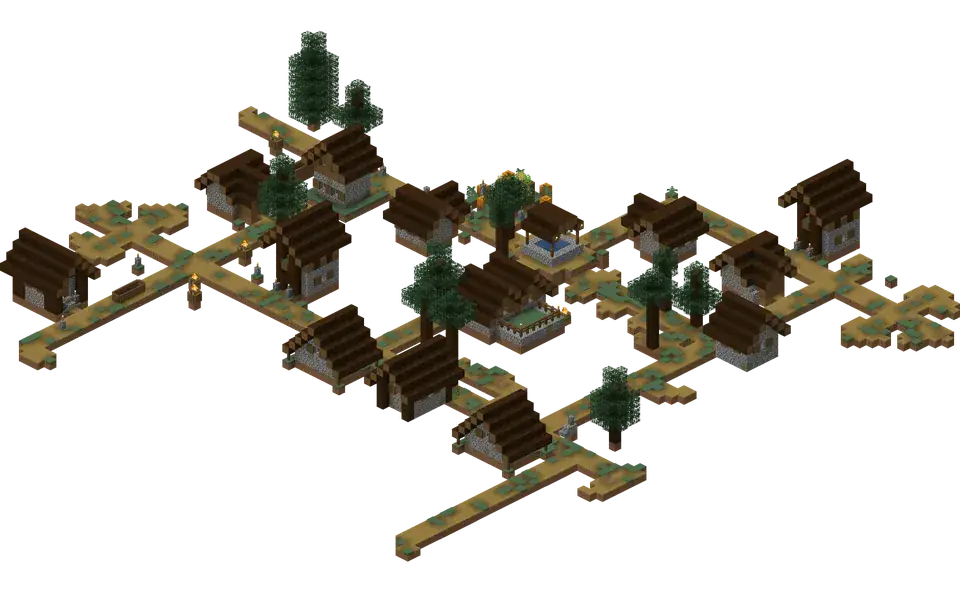
Taiga village Image: Minecraft Wiki, © Mojang Studios 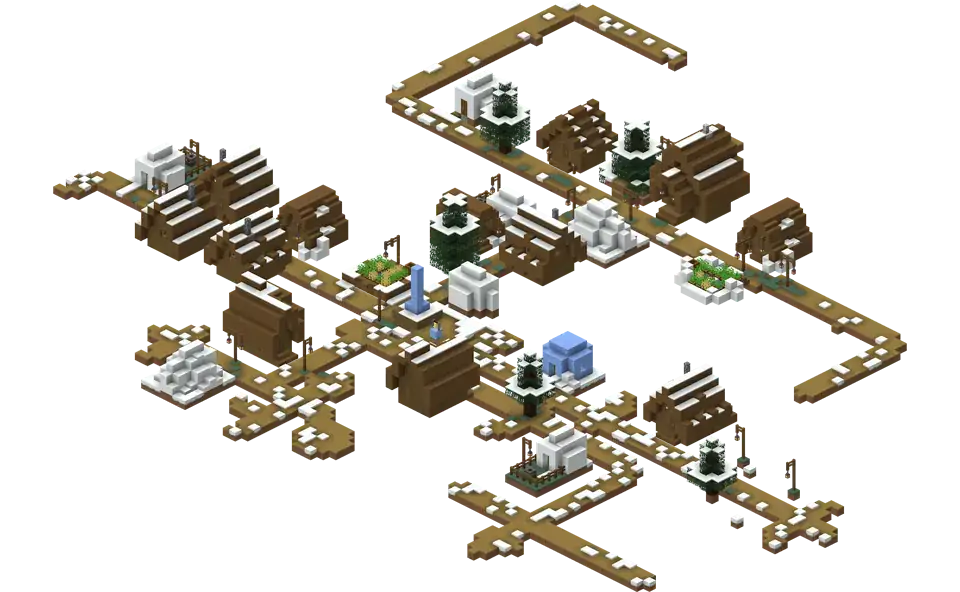
Snowy village Image: Minecraft Wiki, © Mojang Studios


| Village type | Biomes | Built from |
|---|---|---|
| Plains | Plains, sunflower plains, meadow | Oak wood, cobblestone |
| Desert | Desert | Sandstone, terracotta |
| Savanna | Savanna | Acacia wood, terracotta |
| Taiga | Taiga | Spruce wood, cobblestone |
| Snowy | Snowy plains | Spruce wood, packed ice, snow |
Villagers and trades
A villager takes its profession from the job site block it claims: a composter makes a farmer, a lectern a librarian, a smithing table a toolsmith. Trading crops and items for emeralds is the main reason to find a village early, and a village near spawn also gives you beds, food and a farmer’s fields on the first day.
- Emerald: the trading currency
- Composter: farmer’s job site
- Lectern: librarian’s job site
- Enchanted book: sold by librarians
- Bell: the village meeting point
Village seeds: a village near spawn
Choosing a new world? Press Random until the table shows a village within a few hundred blocks of 0, 0 — the area around world spawn — then use Copy link to keep that seed and view. Check the edition first: a Java village seed does not put the village in the same place on Bedrock.
Locate a village with a command
With cheats on, the game can point you to the nearest village. The finder gives the same answer without cheats, so achievements stay enabled.
| Edition | Command |
|---|---|
| Java | /locate structure #minecraft:village. Java 1.19 and later; the tag finds the nearest village of any type. On 1.18 use /locate village_plains, village_desert, village_savanna, village_snowy or village_taiga. |
| Bedrock | /locate structure village |
Frequently asked questions
Why are Java and Bedrock villages in different places?
Java and Bedrock use different rules to place structures, so one seed gives different village locations in each edition even when the biomes match. Choose your edition at the top of the map.
Can I find a village without cheats?
Yes. The finder only needs your seed and position; it calculates village positions in your browser, so you never have to turn cheats on or use /locate.